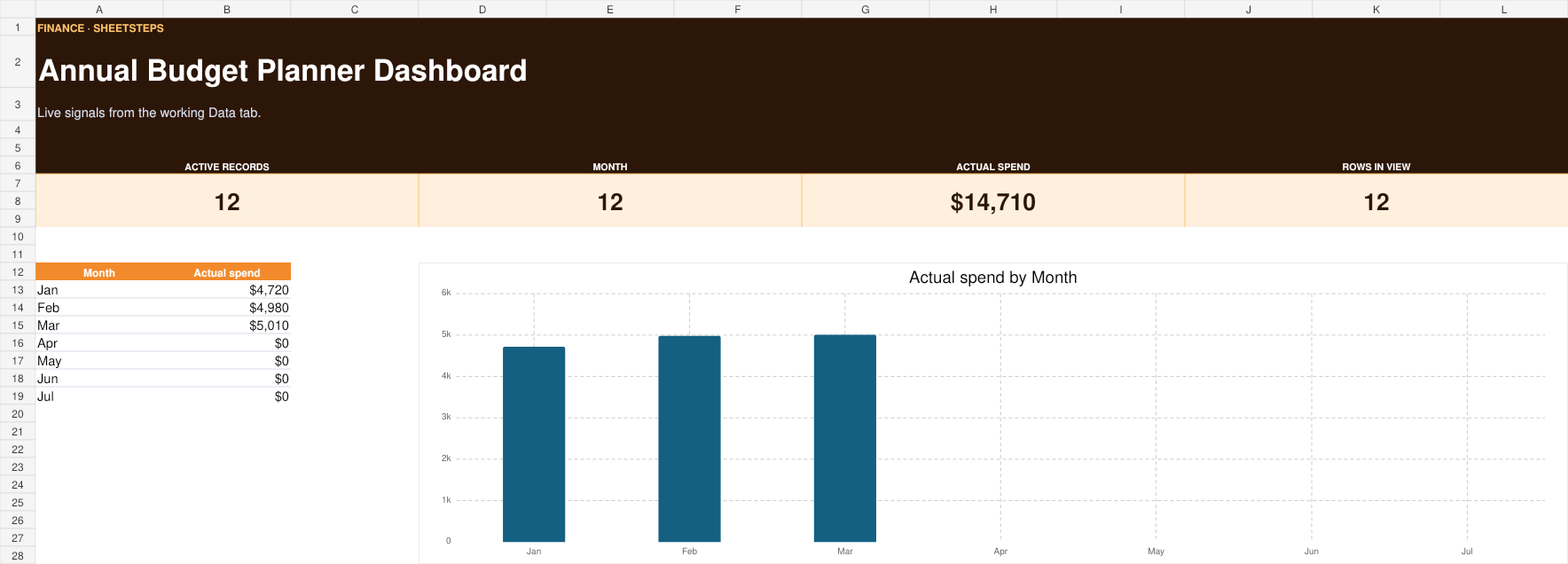
What this Google Sheets template does
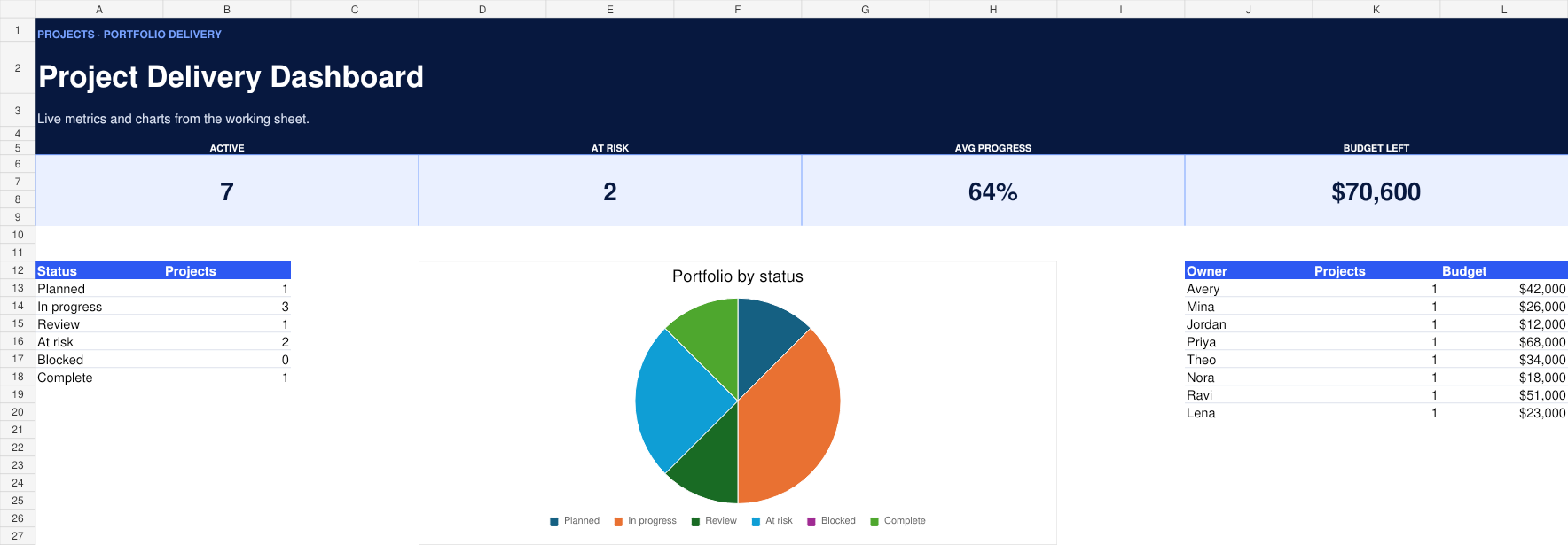
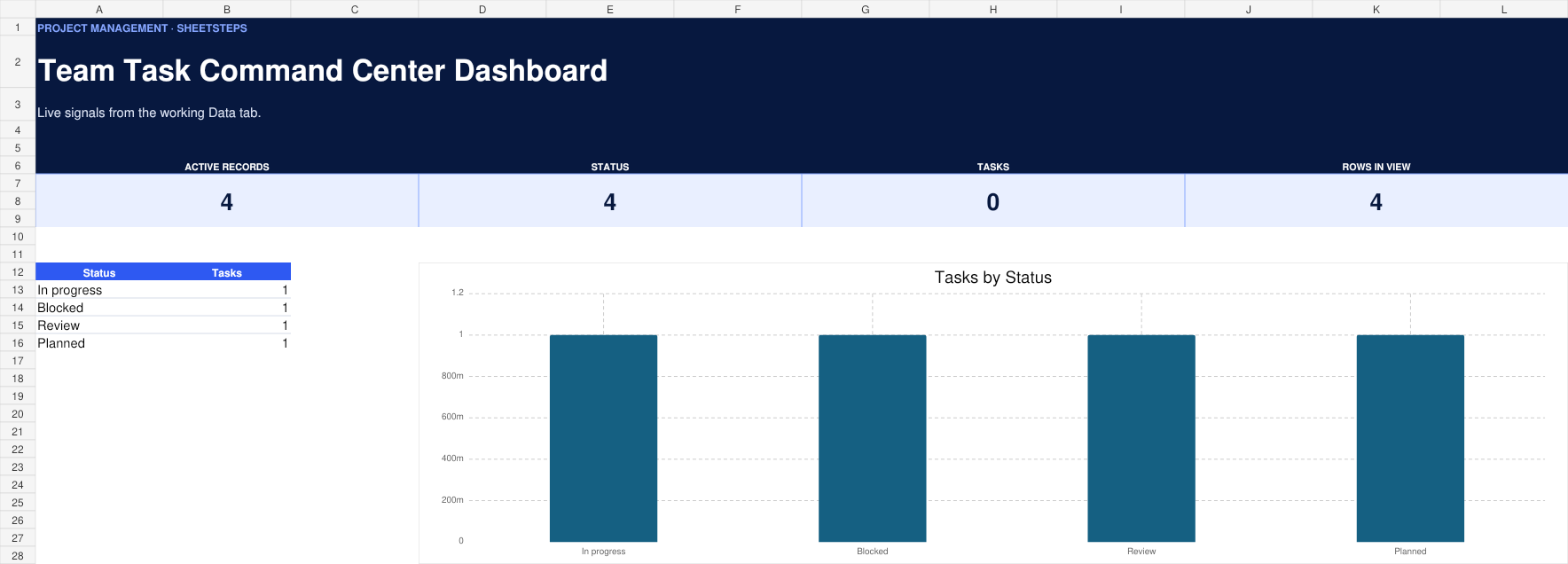
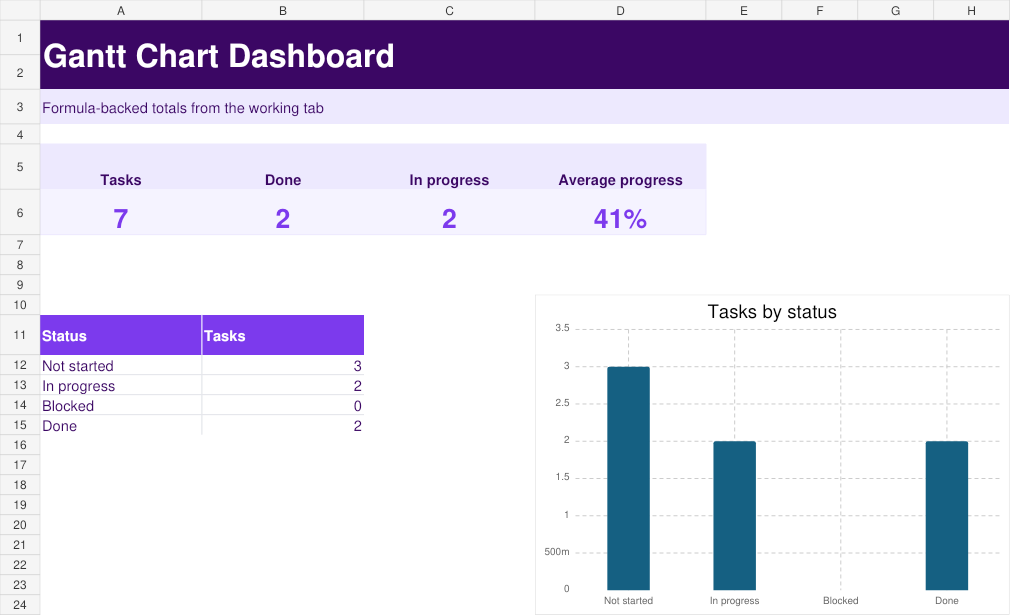
See owners, priorities, deadlines and progress across active projects. Unlike a blank spreadsheet or a decorative download, this template includes realistic example data, clearly marked inputs, live calculations, and a dashboard designed around the decisions people actually make.
Why use it in Google Sheets?
Make a private copy in your own Google Drive, collaborate with the people you choose, and customize the workflow without installing an add-on. The master remains view-only, while your copied spreadsheet belongs to you.
What you can customize
Rename categories, owners, statuses, and assumptions from the Settings tab. Add new rows inside the working table, adjust dropdown choices, and follow the connected SheetSteps formula guides when you want to extend the dashboard.
Who this template is best for
This project management template is designed for team leads, agencies, operations teams. It is especially useful when you need a practical system now but still want to understand and control how the spreadsheet works.